



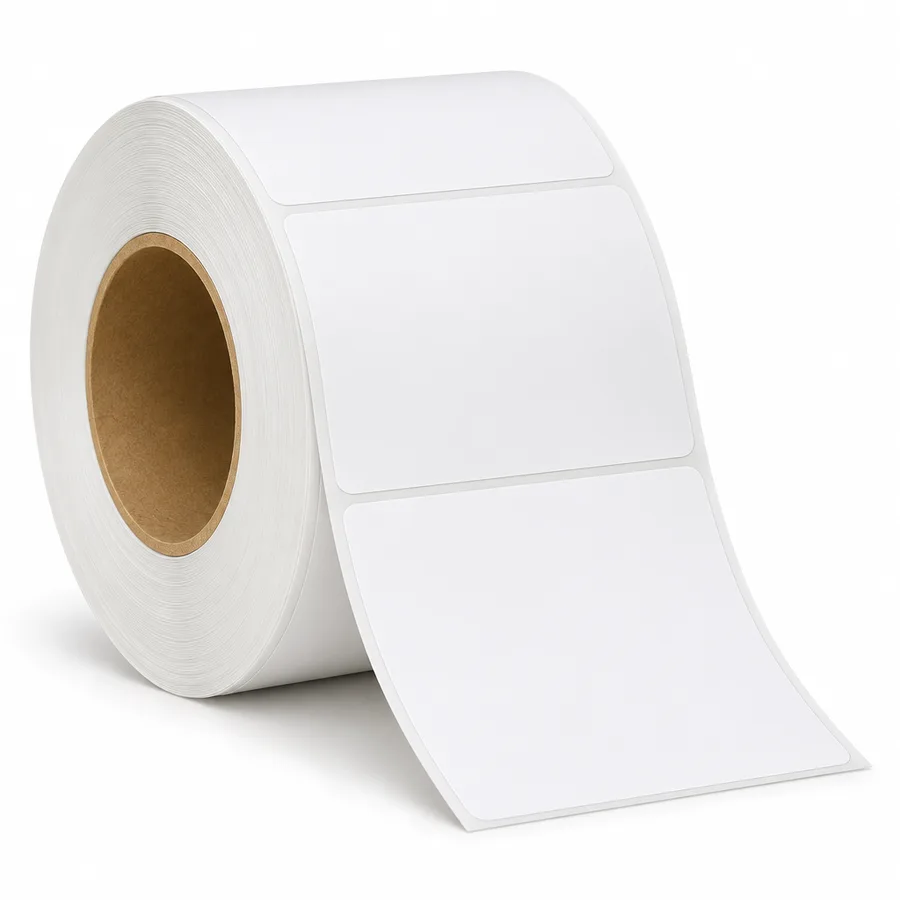



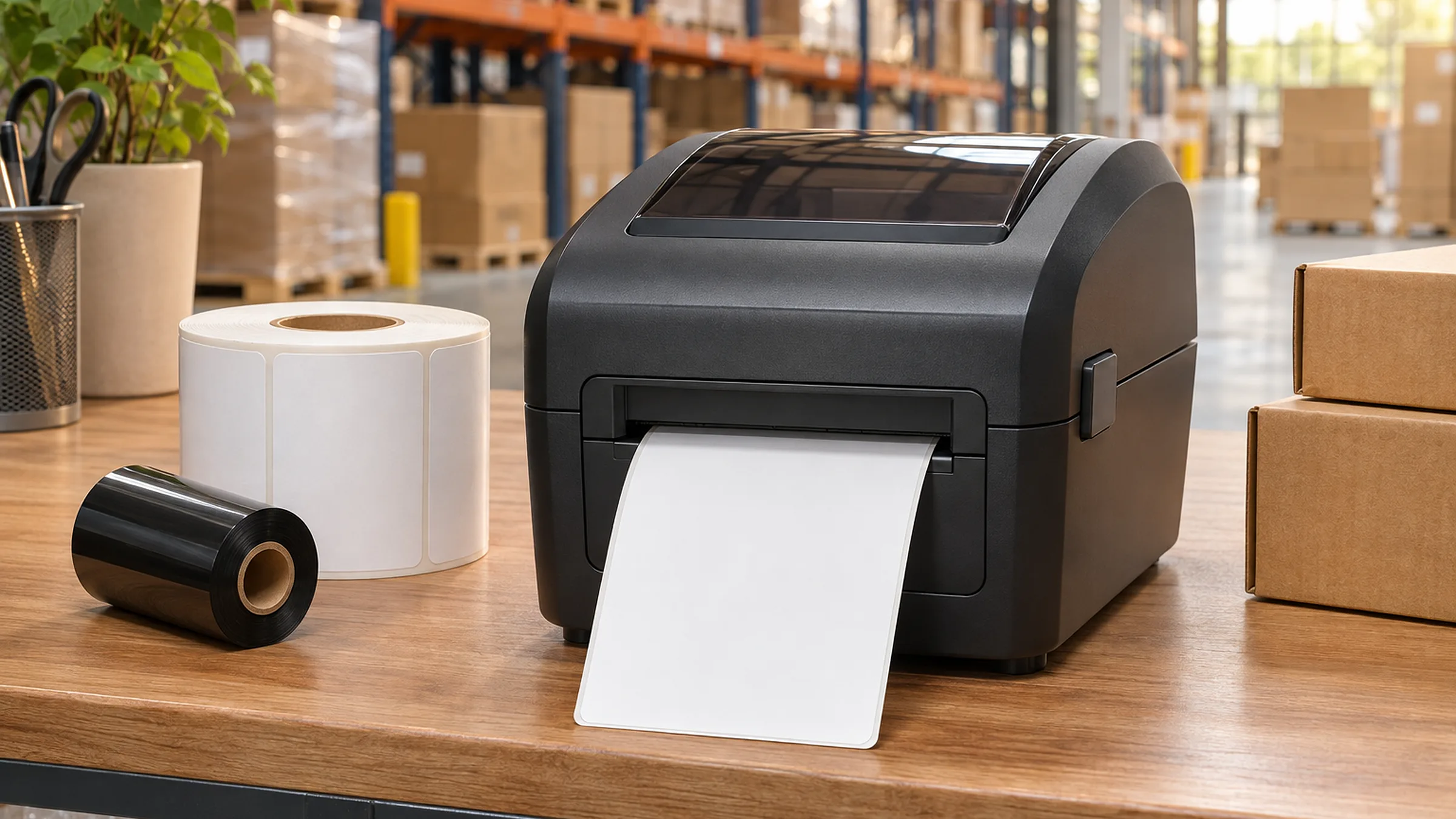
Direct thermal labels are heat-sensitive paper that blackens under the printhead, with no ribbon. Thermal transfer labels get their image from a heated ribbon. Direct thermal is for labels that only need to last from one week to one year; thermal transfer is for labels that have to last.[1][3][4]
Ribbon
None vs requiredDirect thermal printers have no ink, toner or ribbon. Thermal transfer needs ribbon rolls or a ribbon cartridge.[1][3]
Label life
1 week to 1 yearZebra's range for direct thermal; Brother says less than six months. Thermal transfer is for a number of years.[4][13]
Tell them apart
Scratch testA firm, quick scratch leaves a black mark on direct thermal media and no mark on thermal transfer media.[2]
Printhead life
25% to 50%SATO's figure for how long a direct thermal printhead lasts against a thermal transfer printhead.[12]
The fingernail test: which label do you have?
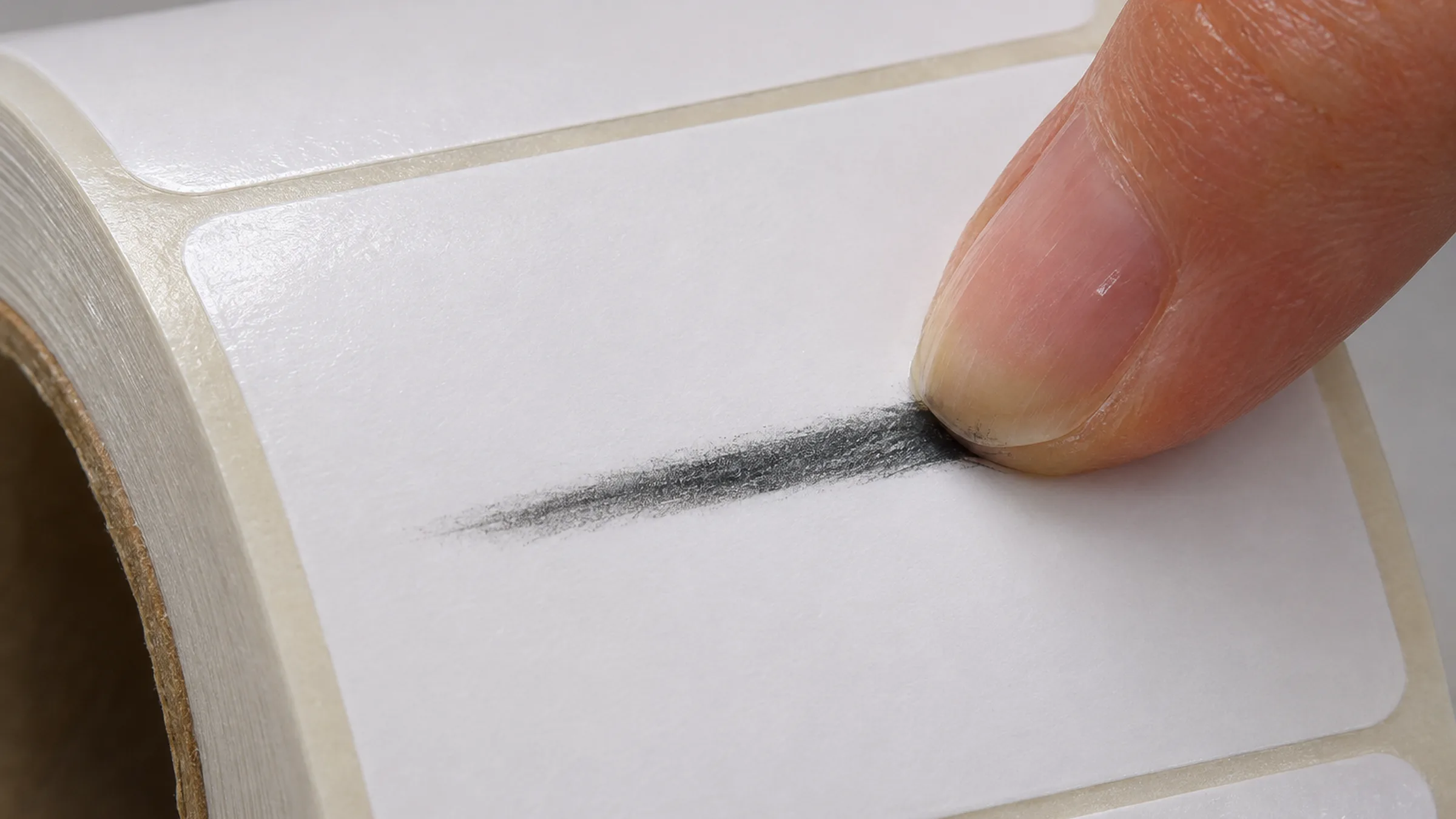
Drag a fingernail or a pen cap hard and fast across the label's print surface. Zebra's ZD421 user guide calls this the media scratch test: direct thermal media is chemically treated to print when heat is applied, and the friction heat from the scratch is enough to leave a black mark. A black mark means direct thermal, and no ribbon is needed. No mark means thermal transfer, and the printer needs a ribbon.[2]
The test takes three seconds and settles the most common mix-up at a shipping desk: a roll of thermal transfer labels loaded into a printer with no ribbon prints nothing, and a ribbon run over direct thermal labels is ribbon wasted.[2][3]
How each one prints
Both methods use a thermal printhead that heats the surface being marked. Direct thermal printing uses chemically treated, heat-sensitive media that blackens as it passes under the printhead. Direct thermal printers have no ink, toner or ribbon, so the label is the only supply.[1]
Thermal transfer printing needs ribbon rolls or a ribbon cartridge. While printing, heat and pressure transfer ink from the ribbon to the label. Zebra describes the ink as absorbed so that the image becomes part of the label, and says that with suitable media the image is impervious to heat and moisture and cannot be rubbed off.[1][3]
GS1, the standards body behind retail and shipping barcodes, draws the same line in its 2D barcode playbook: thermal transfer is commonly used for high-quality and durable printing, and direct thermal, which activates the chemicals in heat-sensitive paper, is often used for shorter life span labelling.[7]
Scroll across to see every column →
| Feature | Direct thermal | Thermal transfer |
|---|---|---|
| Ribbon | None | Required (roll or cartridge) |
| How the image forms | Heat-sensitive label blackens under the printhead | Heat and pressure move ink from the ribbon to the label |
| Heat and sunlight | Darkens until text or barcode can be unreadable | Impervious to heat and moisture with suitable media |
| Rubbing | Not well suited to abrasion | Image cannot be rubbed off |
| Typical life | One week to one year | A number of years |
| Zebra's examples | Shipping labels, receipts, visitor ID | Product labels, long-life identification |
| What you stock | Labels | Labels and ribbon |
Why a direct thermal label turns black on a sunny dock
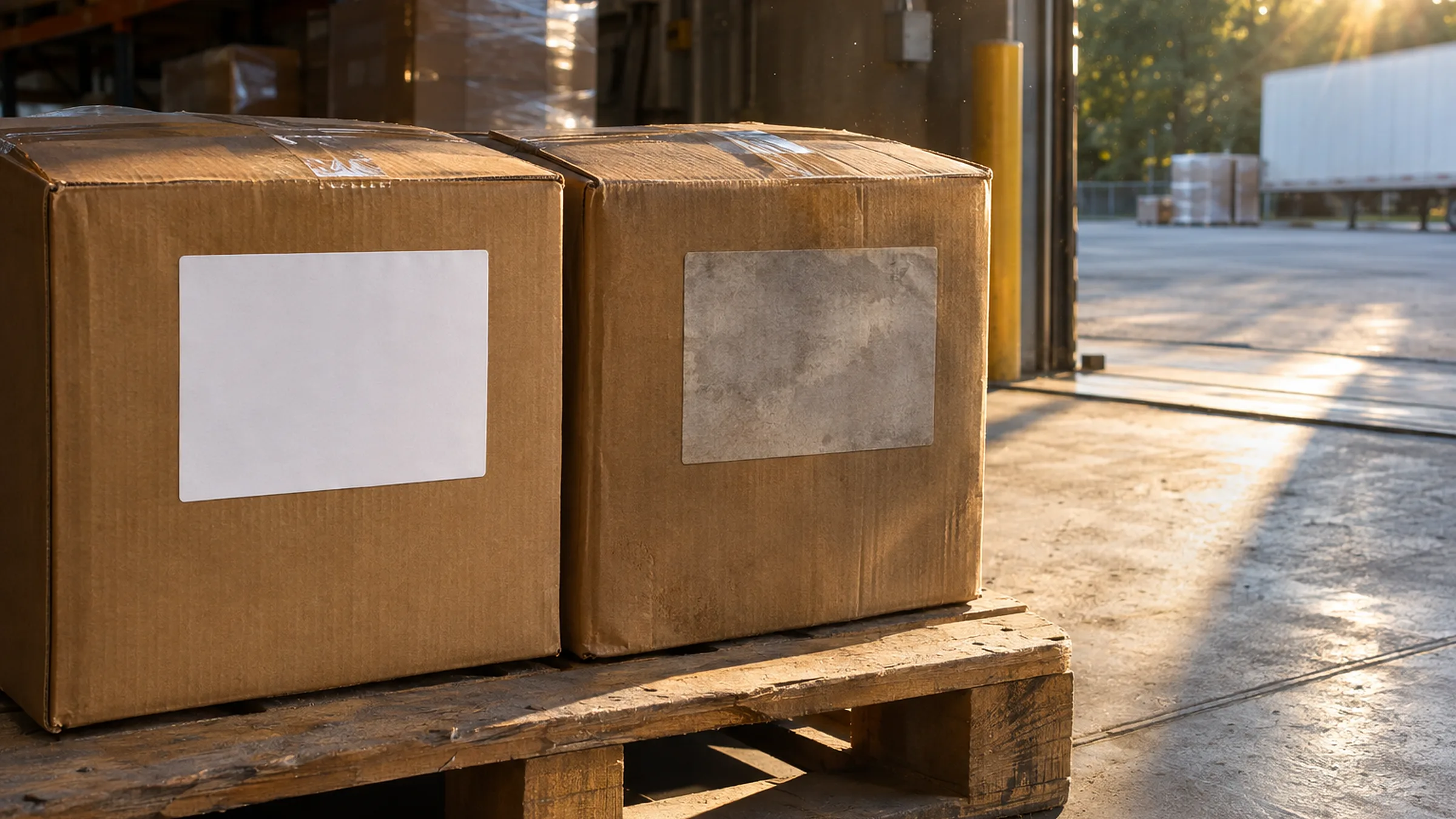
The same coating that makes direct thermal simple keeps reacting after the label leaves the printer. Zebra's wording: if the label is overexposed to heat, light or other catalysts, the material will darken and make the text or barcode unreadable. For that reason direct thermal is not used for lifetime identification.[1]
The barcode standard is blunter. GS1's Logistic Label Guideline, the rulebook for the labels on cartons and pallets moving through a supply chain, says in rule 9-8 that material or ink which is sensitive to heat is not acceptable: avoid thermal paper that changes colour when exposed to heat or sun. The National Archives lists darkening of the paper and fading of the information as the signs of deterioration in thermal papers, and notes that some types have already become illegible.[6][8]
Zebra puts the useful life of a direct thermal label at one week to one year, and calls it ideal for short-term jobs such as shipping labels and receipts, while product labels are not. A carton label that reaches the customer in three days is the right job. A label on a drum that sits in a sunny yard for a season is not.[1][4]
Brother draws the line at six months: direct thermal for labels that need to last less than six months, and thermal transfer for labels in use longer than that or exposed to chemicals, light, high temperatures or water. Zebra's label guide gives the same six-month example for a direct thermal paper label that does not have to resist chemicals, moisture or abrasion.[5][13]
Outdoors or hot: synthetic labels with a ribbon
Zebra's label guide says a product that will face rain and sun outdoors needs a thermal transfer synthetic label, and that paper is the economical facestock for indoor use and a shorter life cycle. The synthetic facestocks differ mainly in how long they last outdoors and how much heat they take.[5]
Where labels get rubbed in handling, the same guide says a ribbon with a higher resin content gives better durability.[5]
Zebra says its thermal transfer label and ribbon combinations last up to 10 years outdoors. Speed is the trade. The same guide says synthetic labels typically do not print quality text and barcodes above 6 inches per second, and that printing at 12 inches per second or faster takes a thermal transfer paper label with a high-speed wax ribbon.[5]
Scroll across to see every column →
| Facestock | What Zebra lists it for |
|---|---|
| Paper | Indoor use, shorter life cycle |
| Polyolefin | Curved and rough surfaces, outdoors up to 6 months |
| Polypropylene | Curved surfaces, outdoors 1 to 2 years |
| Polyester | Up to 300°F (149°C), outdoors up to 3 years |
| Polyimide | Up to 500°F (260°C), often circuit board labels |
Source: [5]
What each method costs to run: label stock, printheads and ribbon changes
A direct thermal printer has no ribbon to buy, but the label stock costs more. SATO, TSC and Brother each say direct thermal labels cost more than thermal transfer labels, and SATO's white paper says the higher label cost generally wipes out the saving from the ribbon.[12][13][14]
Printheads wear differently. In direct thermal printing the label is pulled across the printhead in direct contact with it. In thermal transfer printing the ribbon sits between the printhead and the label, and SATO says a company should expect a direct thermal printhead to last 25% to 50% as long as a thermal transfer printhead. Zebra's FAQ agrees: thermal transfer printheads last longer than direct thermal printheads.[1][12]
Ribbon has its own cost in time. SATO's example is a standard 450 meter ribbon roll that prints about 2,800 six-inch labels, so a line labelling 20 products a minute stops for a ribbon change about every 2.5 hours.[12]
Scroll across to see every column →
| Cost | Direct thermal | Thermal transfer | Who says so |
|---|---|---|---|
| Label stock | Costs more | Costs less | SATO, TSC, Brother |
| Ribbon | None | Required | Zebra |
| Printhead life | 25% to 50% of a thermal transfer printhead | Longer | SATO, Zebra |
| Stops to change ribbon | None | About every 2,800 six-inch labels on a 450 m roll | SATO |
| Printer | A direct-thermal-only printer is generally less costly to buy | Normally prints both methods | SATO |
How much ribbon 4 x 6 labels use: the math by roll length
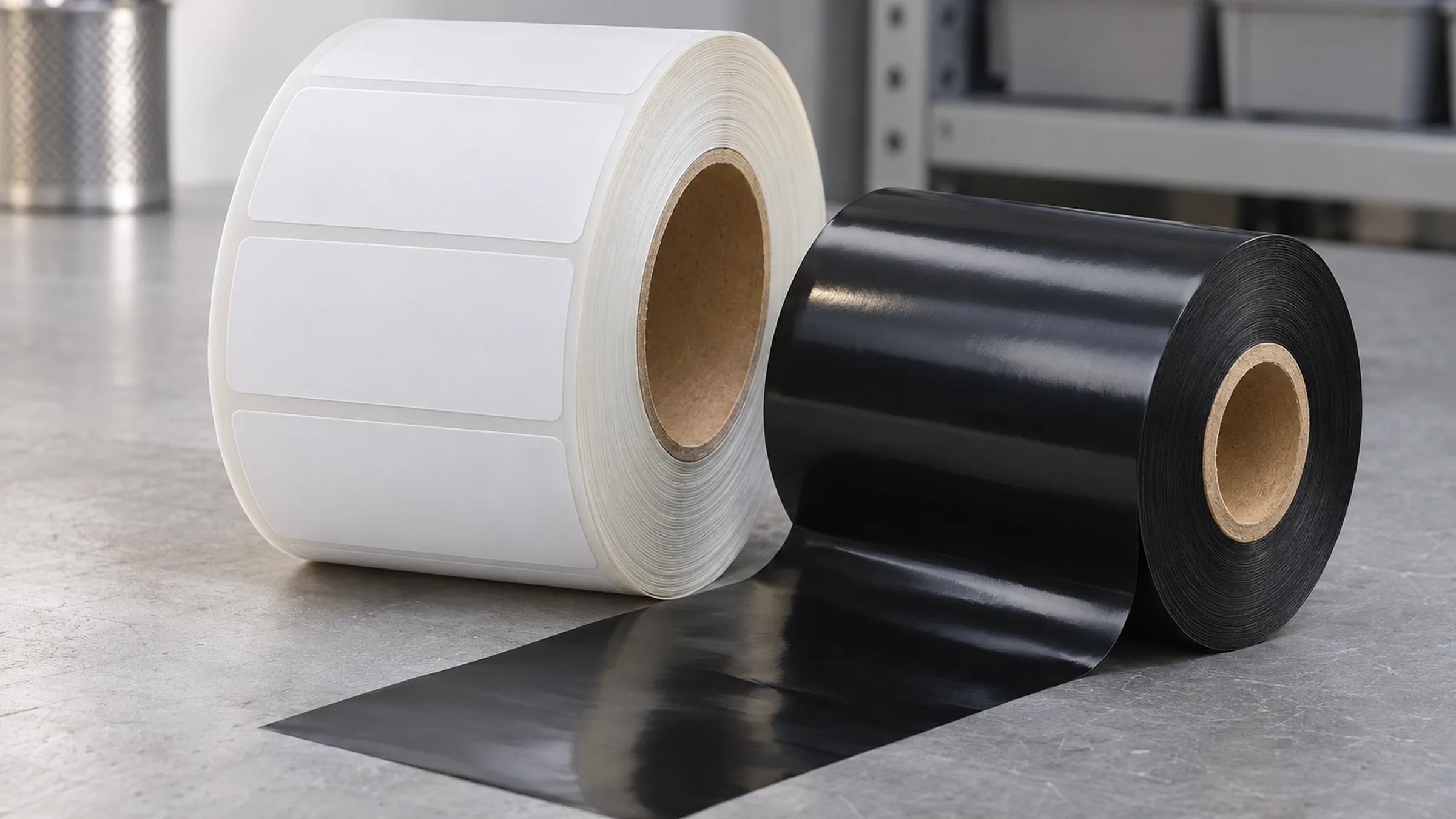
Thermal transfer ribbon is used once. Zebra calls it single-pass ribbon and notes that it can be wasteful if little is printed on it. SATO's figure of about 2,800 six-inch labels from a 450 meter roll works out to about 6.3 in of ribbon for each 6 in label.[1][12][15]
The table works the same sum for the ribbon lengths the makers publish. Zebra's ZD421 and ZD621 guide lists 74 m and 300 m ribbon rolls, and SATO calls 450 m a standard size. NIST gives 1 inch as 0.0254 m, so a roll's length in inches is its length in meters divided by 0.0254. The label counts are a ceiling: they allow nothing for the gap between labels or for the start and end of the roll.[9][12][15]
For a 4 x 6 in label fed 4 in wide and 6 in long, a case of 4,000 labels is 24,000 in of label, or 609.6 m. That takes nine 74 m rolls, three 300 m rolls or two 450 m rolls of ribbon. Two 300 m rolls come up 9.6 m short.[9][12][15]
Ribbon width counts as much as length. Zebra's guide says ribbon must be as wide as or wider than the media, because a narrower ribbon leaves areas of the printhead unprotected and subject to premature wear. The ZD421 and ZD621 take ribbon up to 110 mm (4.33 in) wide.[9][11]
Ribbon is a thin film coated on one side with wax, resin or wax resin. For the ZD421 and ZD621, Zebra lists four ribbons: Performance Wax, Premium Wax/Resin, Performance Resin and Premium Resin. The ribbon length, width and core a printer takes are in that printer's guide.[10][11]
Scroll across to see every column →
| Ribbon roll | Length (in) | 6 in labels, at most | Rolls for 1,000 labels | Rolls for 4,000 labels |
|---|---|---|---|---|
| 74 m (Zebra ZD421 and ZD621) | 2,913 | 485 | 3 | 9 |
| 300 m (Zebra ZD421 and ZD621) | 11,811 | 1,968 | 1 | 3 |
| 450 m (SATO's standard size) | 17,716 | 2,952 (SATO: about 2,800) | 1 | 2 |
Which one to order
Shipping labels and pick tickets that are done within the week: direct thermal. Nothing to load but the roll, and the label is the only supply on the reorder list.[1]
Labels that stay on a product, a drum, a shelf or anything outdoors: thermal transfer with a ribbon, on synthetic stock when it lives outside. On a printer that does both, such as the ZD421, set the print mode to match the roll, because the user guide lists direct thermal and thermal transfer as separate modes and says to use media that supports the mode you set.[3][4][5]
For the OSHA date that points at workplace labels, see the news page on the HazCom November 20, 2026 date.
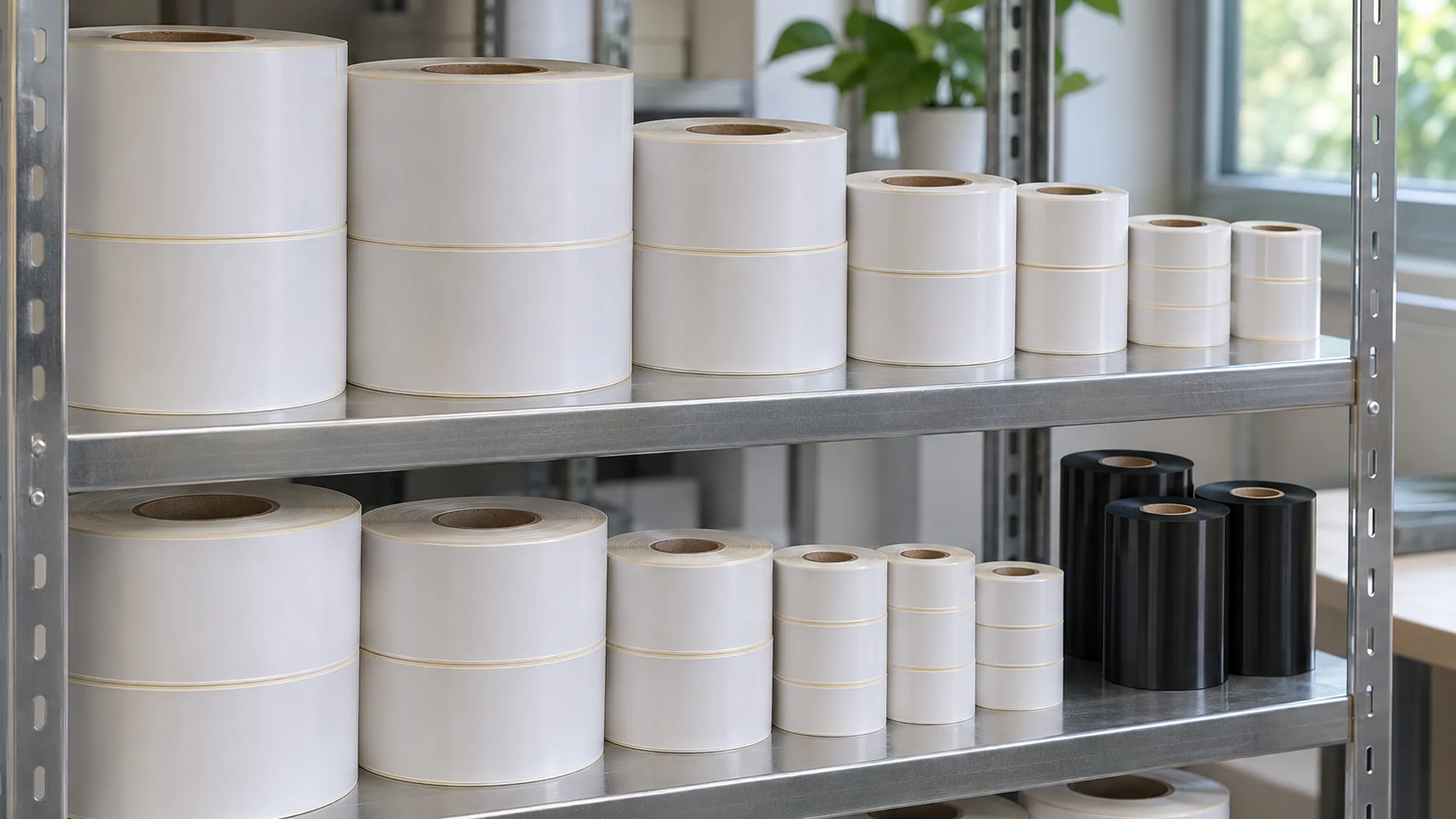
On our shelves
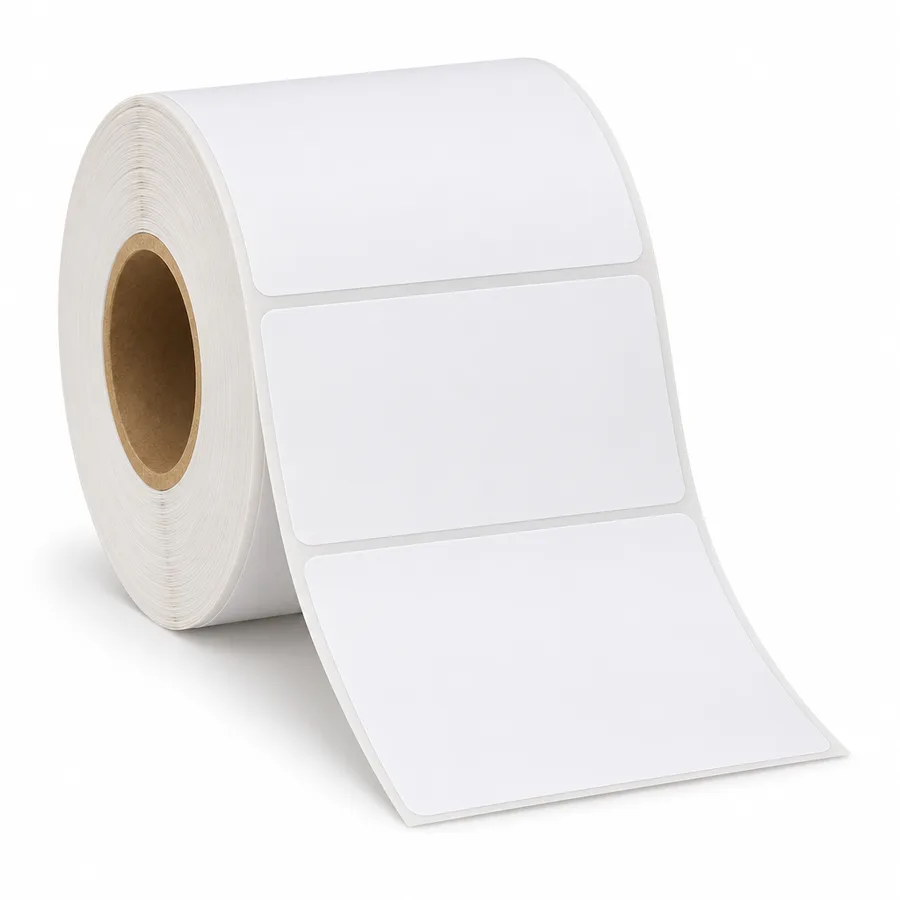
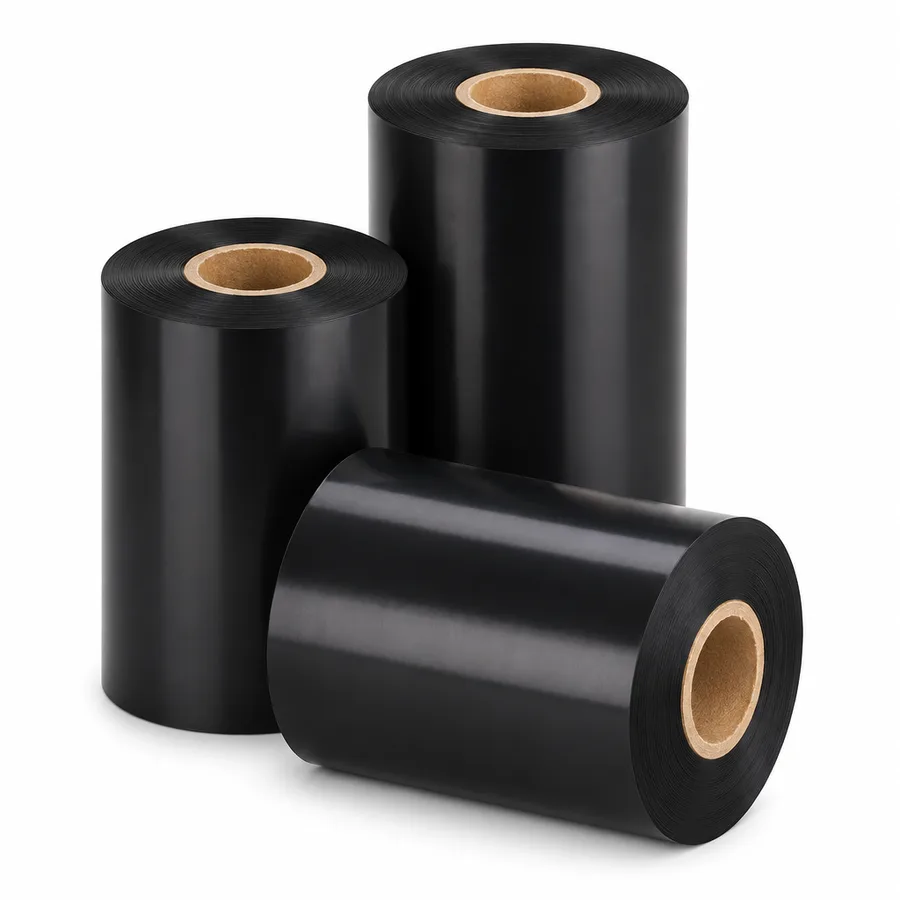
Questions
Do direct thermal labels need ink or a ribbon?
No. Direct thermal printers have no ink, toner or ribbon; the heat-sensitive label blackens under the printhead.[1]
How long does a direct thermal label last?
Zebra calls direct thermal ideal when the label only has to last from one week to one year, and less durable than thermal transfer in direct sunlight. GS1's Logistic Label Guideline says to avoid thermal paper that changes colour when exposed to heat or sun.[4][6]
Can one printer do both?
Some can. The ZD421 and ZD621 user guide lists direct thermal and thermal transfer as print modes, depending on the printer type and options, and says to use media that supports the mode you set.[3]
How do I tell the two labels apart?
Scratch the print surface firmly with a fingernail or pen cap. A black mark means direct thermal; no mark means thermal transfer, which needs a ribbon.[2]
How many 4 x 6 labels does one ribbon roll print?
For labels 6 in long, at most 485 from a 74 m roll, 1,968 from a 300 m roll and 2,952 from a 450 m roll. SATO puts a 450 m roll at about 2,800 six-inch labels in practice.[9][12][15]
Which wears out a printhead faster, direct thermal or thermal transfer?
Direct thermal. SATO says to expect a direct thermal printhead to last 25% to 50% as long as a thermal transfer printhead, because the label runs in direct contact with the printhead with no ribbon between them.[12]
What is the difference between wax and resin ribbon?
Both are coatings on the ribbon film that transfer to the label. Zebra's label guide says a ribbon with a higher resin content gives better durability where labels are rubbed, and that printing at 12 inches per second or faster takes a paper label with a high-speed wax ribbon.[5][11]
Have a list of what you need? Our quotes desk prices the exact items.

Written by Anastasiia Kuziak, Manager and President of Oakspan Supply. She has a business degree, owns a small business of her own, and has more than five years in medical and pharmaceutical sales. How we write and check our guides.
Sources
- What Is the Difference Between Direct Thermal and Thermal Transfer Printing?. Zebra Technologies. Accessed 2026-11-17.
- ZD421 and ZD621 Desktop Printer User Guide: Determining Thermal Media Types. Zebra Technologies. Accessed 2026-11-17.
- ZD421 and ZD621 Desktop Printer User Guide: Modes of Printing. Zebra Technologies. Accessed 2026-11-17.
- When Should I Select a Thermal Barcode Printer?. Zebra Technologies. Accessed 2026-11-17.
- What Are Thermal Labels?. Zebra Technologies. Accessed 2026-11-17.
- GS1 Logistic Label Guideline, Release 1.3 (rule 9-8, p. 34). GS1. Accessed 2026-11-05.
- GS1 2D Barcode Playbook for Creation and Printing, Release 1.0.1 (pp. 25-26). GS1. Accessed 2026-11-05.
- Paper-Based Records. U.S. National Archives and Records Administration. Accessed 2026-11-05.
- ZD421 and ZD621 Desktop Printer User Guide: General Media and Print Specifications. Zebra Technologies. Accessed 2026-11-17.
- ZD421 and ZD621 Desktop Printer User Guide: Thermal Transfer Roll Ribbon Loading. Zebra Technologies. Accessed 2026-11-17.
- ZD421 and ZD621 Desktop Printer User Guide: Glossary, ribbon. Zebra Technologies. Accessed 2026-11-17.
- Thermal Transfer vs. Direct Thermal: Five Key Considerations (white paper). SATO America. Accessed 2026-11-17.
- The Difference Between Direct Thermal vs Thermal Transfer Printers. Brother Mobile Solutions. Accessed 2026-11-17.
- Direct Thermal vs. Thermal Transfer. TSC Printers. Accessed 2026-11-17.
- NIST Guide to the SI, Appendix B.9: Factors for units listed by kind of quantity. National Institute of Standards and Technology. Accessed 2026-11-17.
Written from the sources above under our editorial policy. Published November 5, 2026, last updated November 17, 2026. Spot an error? Send us a correction and we fix it and note the date.
- 4 x 6 in direct thermal labels
- 4 x 6 in thermal transfer labels
- Printer ribbon rolls
- HazCom November 20, 2026 date: what OSHA's rule says about workplace labels
Pictures on this page are AI illustrations, not photos of our stock. Exact parts and markings are confirmed in your quote.